> For the complete documentation index, see [llms.txt](https://docs.helpyousponsor.com/guides/llms.txt). Markdown versions of documentation pages are available by appending `.md` to page URLs; this page is available as [Markdown](https://docs.helpyousponsor.com/guides/advanced-features/integrations/zapier/actions/find-programs.md).
# Find Programs
This action allows client to retrieve programs
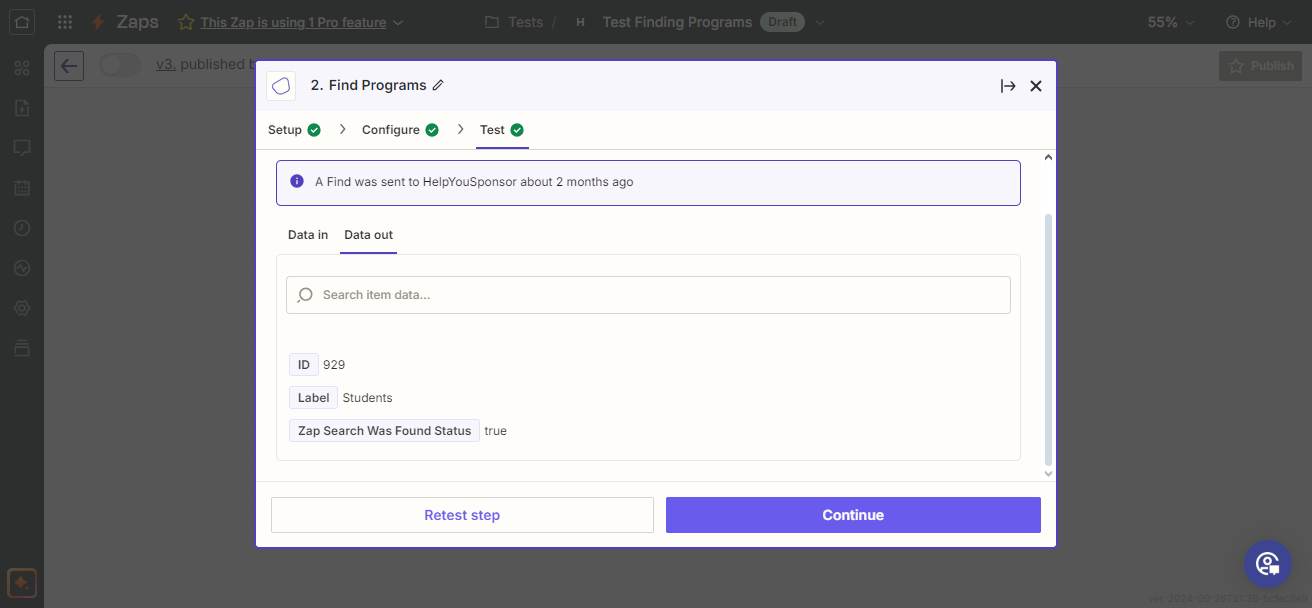
In this action, one will be able to retrieve the list for programs in the account.
Find Programs
Here we choose the action called `Find Programs` , then you choose the account that you want to make the request with and then move on to the next steps.
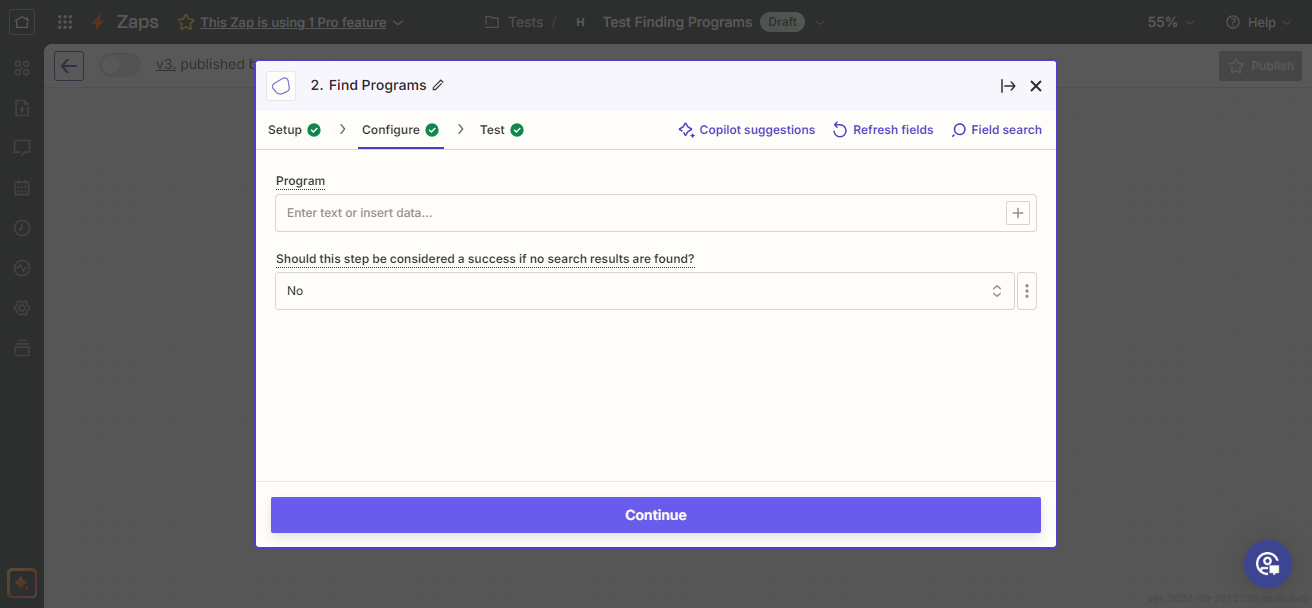
Program
In this next step incase you want to retrieve details of only one program then you can place the program id, other than that you can just click `Continue` then over to the next page.